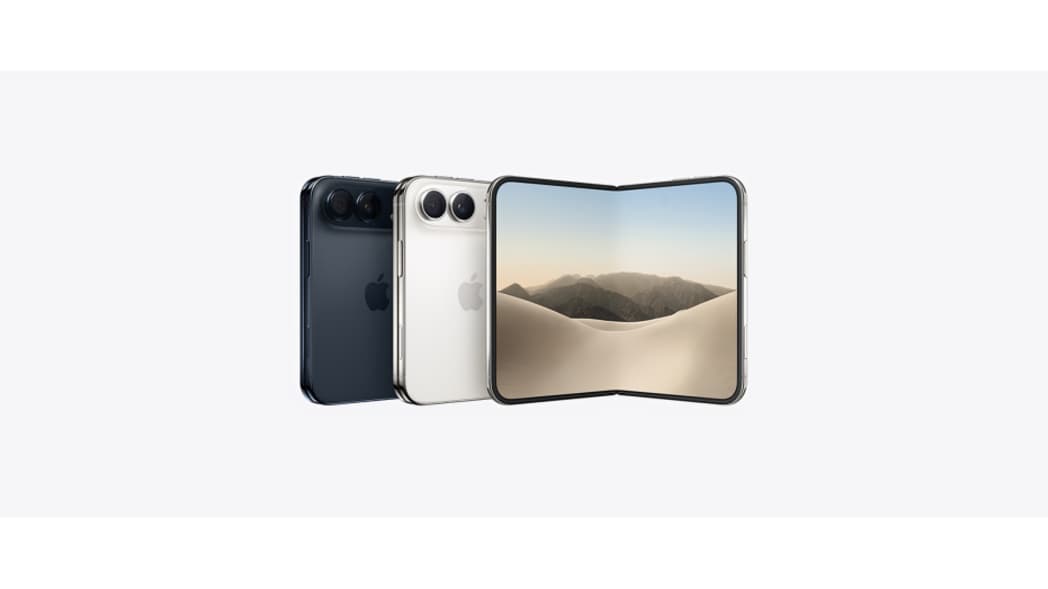

Apple is set to release the iOS 26.1 update, the latest version of its mobile operating system, bringing a fresh set of improvements, bug fixes, and security enhancements to iPhones worldwide. Following weeks of developer and public beta testing, iOS 26.1 aims to deliver better performance, enhanced privacy protection, and new features that further refine the iPhone user experience.
Release Date
According to official reports and Apple’s typical rollout schedule, the iOS 26.1 update is expected to be released in early November 2025. As usual, Apple will begin with a phased rollout, initially offering the update to users in select regions before expanding globally over a few days. Notifications for the update will automatically appear in the device’s Settings app once it becomes available for download.
New Features in iOS 26.1
The iOS 26.1 update introduces a range of system-level enhancements designed to improve functionality and usability. Key highlights include:
- Performance Optimization: Faster app launches and improved multitasking capabilities.
- Battery Management Tools: Enhanced power-saving algorithms that reduce background activity.
- Security Updates: Strengthened safeguards against malware and unauthorized data access.
- Control Center Redesign: Easier access to frequently used tools and smart home controls.
- Siri Improvements: Expanded offline support for basic tasks and faster voice recognition.
- Photo and Camera Enhancements: Updated editing tools and improved low-light image processing.
Additionally, iOS 26.1 addresses several issues reported in iOS 26.0, such as occasional connectivity drops, notification delays, and app compatibility bugs.
Compatible Devices
The iOS 26.1 update will be available for the following iPhone models:
- iPhone 16 series
- iPhone 15 series
- iPhone 14 series
- iPhone 13 series
- iPhone 12 series
- Phone SE (2nd generation and later)
Older devices, such as the iPhone 11 and earlier, are not expected to support the update due to hardware limitations.
How to Install iOS 26.1
To install the iOS 26.1 update:
- Open Settings on your iPhone.
- Tap General → Software Update.
- Wait for the update to appear, then tap Download and Install.nsure your device has at least 50% battery and is connected to Wi-Fi.
- Restart your phone after installation to complete the process.
Apple recommends creating a backup via iCloud or iTunes before installing any major update to prevent data loss.
What Users Can Expect
Early testers report noticeable improvements in system fluidity, reduced overheating during gaming, and smoother animations. The update also enhances integration with Apple’s ecosystem services, including Apple Music, iCloud+, and the upcoming VisionOS features for compatible devices.