
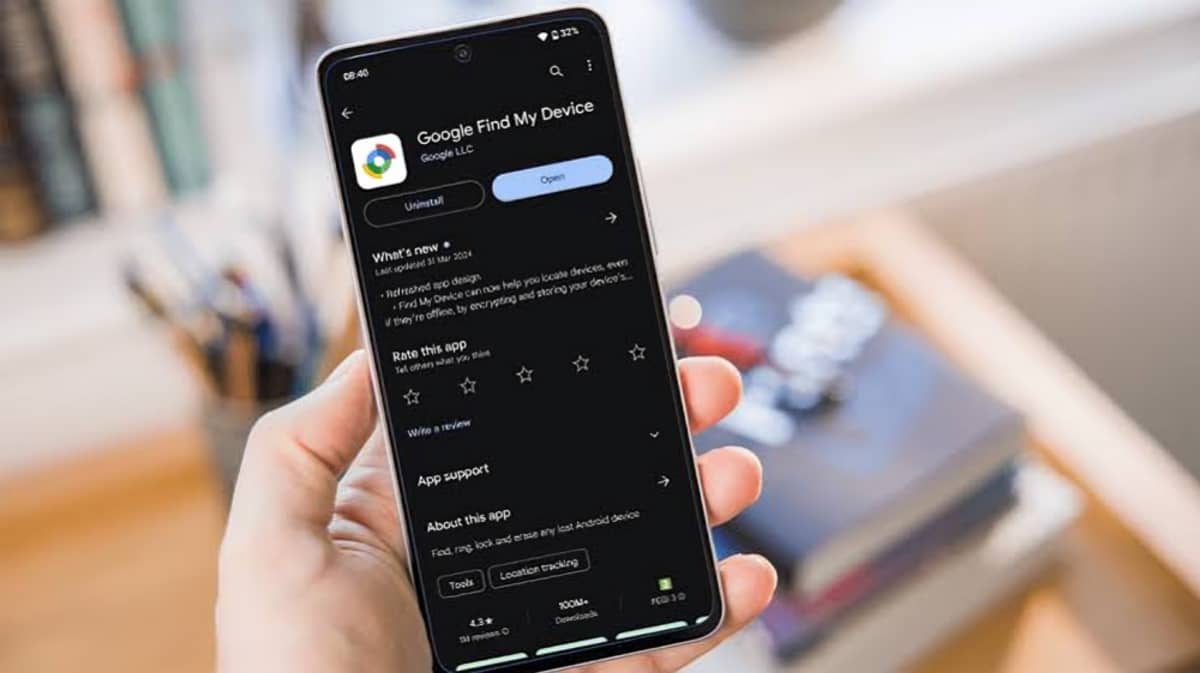
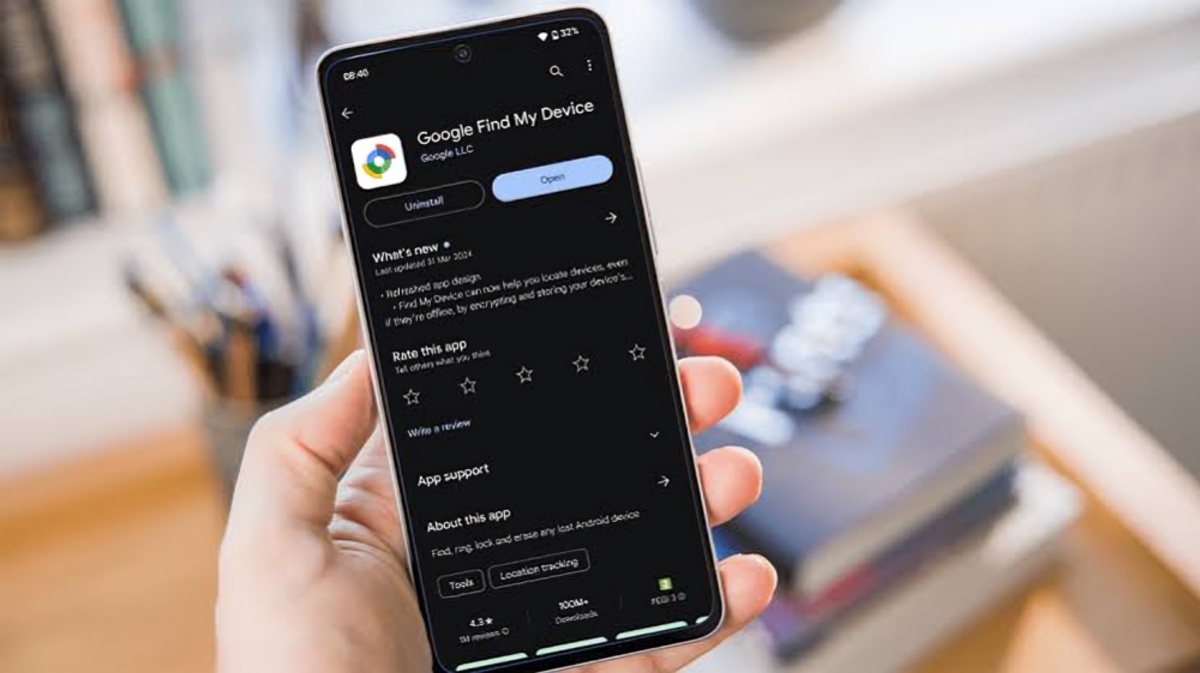
Losing an Android smartphone can be stressful, especially when the device contains personal photos, messages, contacts, banking information and other important data. Google’s Find Hub provides a built in way to locate, secure or erase a lost Android device. Importantly, users do not necessarily need another Android smartphone to access the service. Google says Find Hub can also be accessed through a web browser.
Find Hub is the current name for Google’s device finding service that was previously known as Find My Device. The service allows users to manage supported Android devices connected to their Google Account. Depending on the device’s condition and connectivity, users can see its current location or, when available, its last known location.
The first step after losing an Android phone is to open Google’s Find Hub service from a web browser. Users can sign in with the same Google Account that was registered on the missing phone. After signing in, the available devices associated with the account can be displayed, allowing the user to select the missing smartphone.
If the phone is currently online and can communicate with Find Hub, the service may show its location on a map. Google says location information can be determined using sources such as GPS, nearby Wi Fi networks and cellular networks. The accuracy can vary depending on the surroundings. For example, GPS may be less accurate inside buildings or underground.
If the phone cannot be located at its current position, Find Hub may still display its last known location when that information is available. This can provide an important clue about where the device was last connected or detected.
Once the phone appears in Find Hub, users have several options. One of the simplest is the Play Sound feature. Google says this can make the phone ring at full volume for five minutes, even when the device is set to silent or vibrate. This can be useful when the phone has been misplaced somewhere nearby, such as inside a house, office or vehicle.
Another important option is Mark as Lost. This feature locks the missing device using its existing screen lock method. Users can also add contact information or a message that can appear on the phone’s lock screen. This can help an honest finder contact the owner without giving them access to the device’s contents.
Google has also introduced additional protection features for supported newer Android devices. Its current documentation says Android 17 devices with fingerprint or face unlock can use additional protection when a device is marked as lost. Availability can depend on the device and its software configuration.
If recovering the phone appears unlikely, users can choose to erase the device remotely. This option permanently deletes the data stored on the Android device, although Google notes that data on an SD card may not necessarily be deleted. After a factory reset, the device will no longer be available through Find Hub for location purposes. Google also warns that users will need their Google Account password to use the device again after it has been erased because of device protection.
Find Hub can also work when an Android device is offline in supported circumstances. Google says the service uses a crowdsourced network of Android devices. Participating devices can use Bluetooth to detect nearby lost devices, compatible earbuds and tracker tags. The detected location can then be securely sent to the Find Hub network to help the owner locate the missing item.
This network is particularly useful because a lost phone does not always remain connected to mobile data or Wi Fi. An offline device may still be discoverable through nearby Android devices participating in the network, depending on the settings and conditions. Google says users need to set a PIN, pattern or password on their Android device to receive the benefits of the broader Find Hub network for their own lost items.
Privacy is another important part of Find Hub. Google says the location information used by the crowdsourced network is end to end encrypted. According to Google, the encryption uses a unique key that can be accessed by the user through their Android device’s PIN, pattern or password. Google states that the locations of items found through this system are private from Google and are visible to the owner and people with whom the item has been shared.
Users can also control how their Android device participates in the Find Hub network. Google provides different options, including turning off offline finding, using encrypted recent locations without the broader network, participating in busy areas or allowing network participation more broadly. These settings can be adjusted according to the user’s preference.
Before a phone is lost, users should make sure Find Hub is available and that their device is signed in to a Google Account. Google says that when a Google Account is added to an Android device, Find Hub is automatically turned on. For remote securing or erasing, the phone needs power, an internet connection, a Google Account, Find Hub enabled and visibility on Google Play.
For people who lose their Android phone, the most important action is to access Find Hub as soon as possible. A browser on a laptop, desktop computer or another device can be enough to begin the recovery process. Users should first check the displayed location and try the Play Sound option if the phone may be nearby. If the device appears to be somewhere else, marking it as lost can help protect personal information while the owner attempts to recover it.
If the phone has been stolen or cannot be recovered, users should consider remotely securing or erasing it and contacting their mobile network provider. Google also provides an option to view the device’s IMEI number through Find Hub, which may help the mobile service provider with device-related actions.
Overall, Google Find Hub combines location tracking, remote security controls and an Android device network to give users several ways to respond when a smartphone goes missing. Its browser access means users do not have to own a second Android phone to start looking for their lost device.