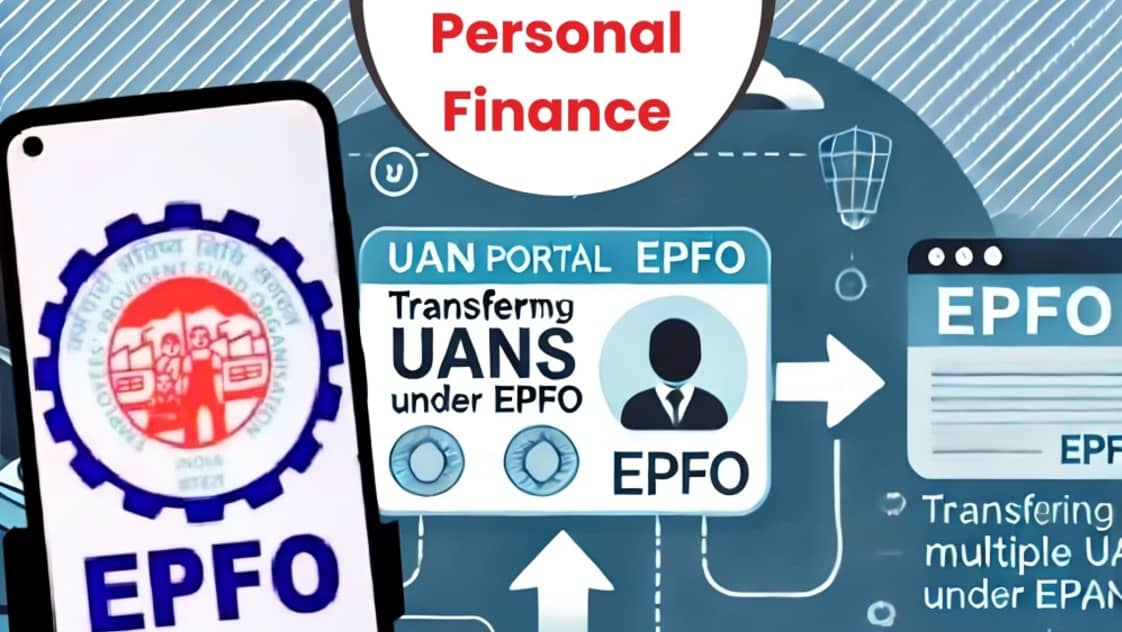
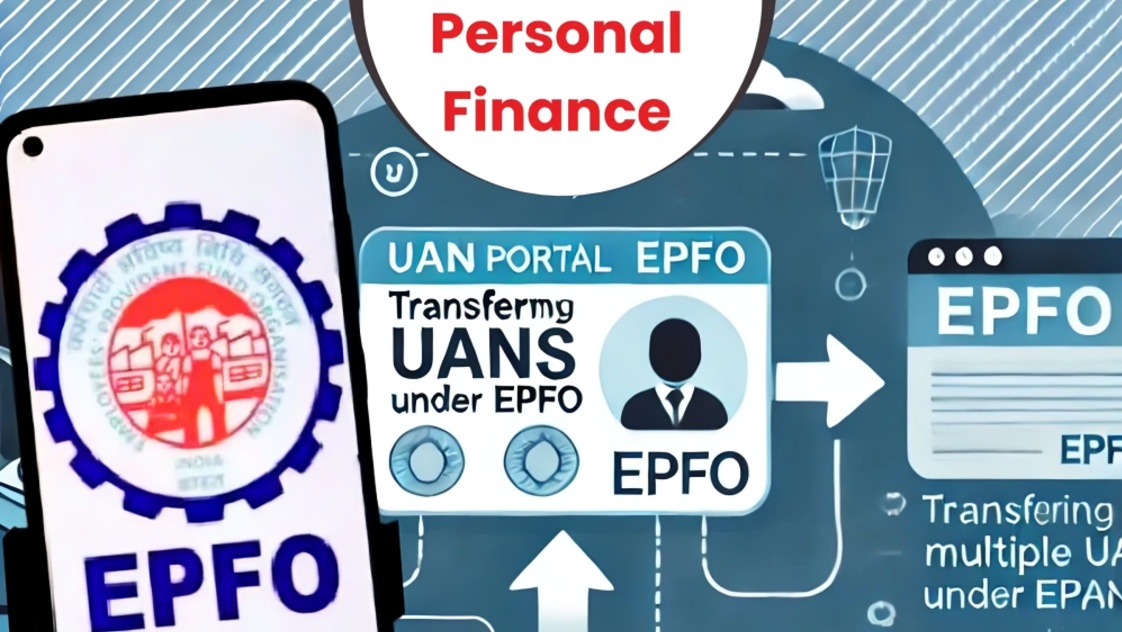
The Employees Provident Fund Organisation has updated its digital process for Universal Account Number services, with members being directed to use the UMANG application for UAN activation and related services. The updated system uses Aadhaar based face authentication to help members complete several EPFO services digitally.
The change is part of efforts to improve the reliability and efficiency of EPFO's online services. Members can use the updated process to activate an existing UAN, generate a UAN when they do not already have one, or retrieve a UAN that they have forgotten.
For UAN activation, members first need to download the UMANG application from the official app store applicable to their device. New users can register using their Aadhaar linked mobile number and create the required security credentials.
After logging into UMANG, users can search for EPFO services and select the UAN activation option available under UAN Services Through Face Auth. The member is required to provide details such as the UAN, Aadhaar number and mobile number linked with Aadhaar.
An OTP is then sent to the registered mobile number for verification. Members should enter the OTP correctly to proceed with the authentication process.
The application may also require users to install the Aadhaar Face RD application. This application supports the facial authentication process used to verify the identity of the member.
After installing the required application, the user can proceed to the face authentication screen. The member needs to position their face correctly so that the application can capture the required facial information.
Once the face authentication process is completed successfully, the application displays the relevant confirmation. Members should carefully check the personal information shown on the screen, particularly their name and date of birth, before submitting the request.
After successful activation, a temporary password may be sent to the registered mobile number. Members can use the credentials to access their EPFO account and related services.
Users can also check whether their UAN has been activated through the relevant UAN service section in UMANG. After entering the required UAN, Aadhaar and mobile details and completing OTP verification, the system can display the activation status.
If the system confirms that the UAN is already activated, members can proceed to use their account rather than submitting another activation request.
Members who do not have a UAN can also use the available UAN generation services. The process requires an Aadhaar linked mobile number and OTP verification.
After verifying the mobile number, applicants may be asked to select an identification method. Depending on the available service, they can use details such as Aadhaar, PAN or an existing Member ID.
The applicant must enter the required identification details along with the captcha information. Another verification step may be required before the system generates the UAN.
Once the details have been successfully verified, the newly generated UAN is communicated to the member through SMS. Members should keep this number safely because the UAN remains important for accessing their EPF related services.
There is also an option for members who have forgotten their UAN. EPFO members can use the official EPFO member services or UMANG to retrieve the number.
Through the EPFO member portal, users can access the Know Your UAN service. They need to provide their registered mobile number and select an identification method such as Aadhaar, PAN or Member ID.
The required details and captcha must then be entered. After OTP verification, the system can retrieve the member's UAN.
A successful retrieval confirmation indicates that the process has been completed. Members should carefully verify the information displayed and keep the retrieved UAN for future use.
UMANG also provides a UAN retrieval facility. Users can open the application, search for EPFO and select the relevant employee service section. The Know Your UAN option can then be selected.
The member needs to enter the registered mobile number and captcha and complete OTP authentication. The UAN can then be searched using Aadhaar, PAN or Member ID, depending on the available options.
The personal information entered during the process should match the details associated with the member's records. In particular, the name and date of birth should be entered accurately.
After successful verification, selecting the option to show the UAN will display the account number. The UAN may also be sent to the member's registered mobile number through SMS.
Members should also be aware of the possibility of duplicate UANs. EPFO rules generally require a member to have a single UAN. If multiple UANs are generated for the same person, the member should follow EPFO procedures to resolve the duplication.
The updated digital process is intended to reduce the need for members to visit EPFO offices for routine UAN related services. Aadhaar based verification and face authentication can allow eligible members to complete important steps using a mobile device.
However, users should ensure that their Aadhaar details, mobile number and EPFO records are accurate before beginning the process. Differences in personal information can affect verification and may prevent the service from being completed successfully.
Members should also use only official EPFO and UMANG services for UAN related activities. They should avoid sharing OTPs, passwords or other confidential account information with third parties.
The UAN is an important identifier for EPF members because it helps link their eligible employment and provident fund records. Keeping the UAN active and maintaining accurate personal information can make it easier to access EPFO services.
The updated UMANG based process provides members with digital options for activating, generating and retrieving their UAN. With Aadhaar linked mobile verification, OTP authentication and, where required, face authentication, the process is designed to make these services more accessible.
EPFO members who need to activate or retrieve their UAN should therefore check the latest instructions available through official EPFO and UMANG platforms and ensure that all information entered during the process is accurate.