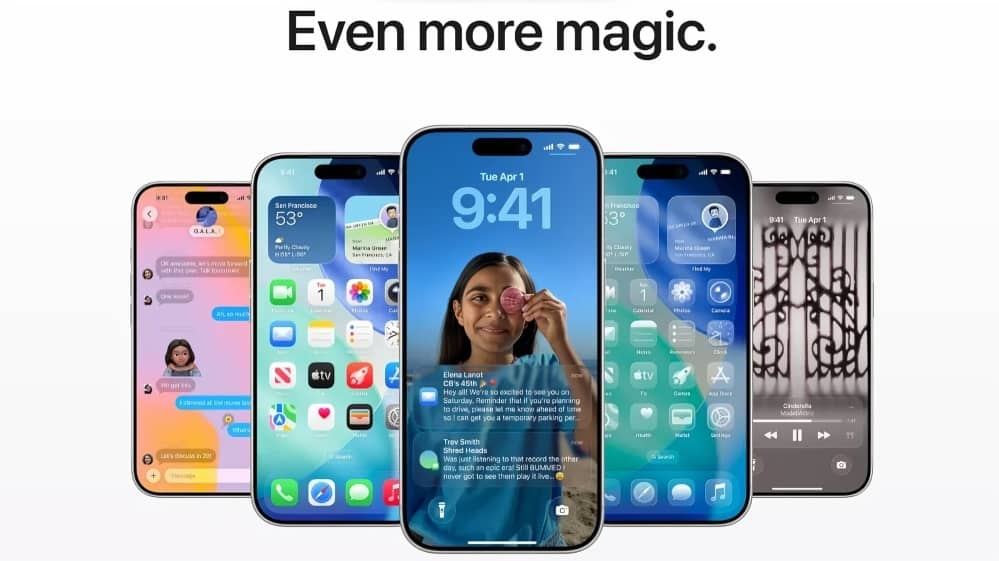
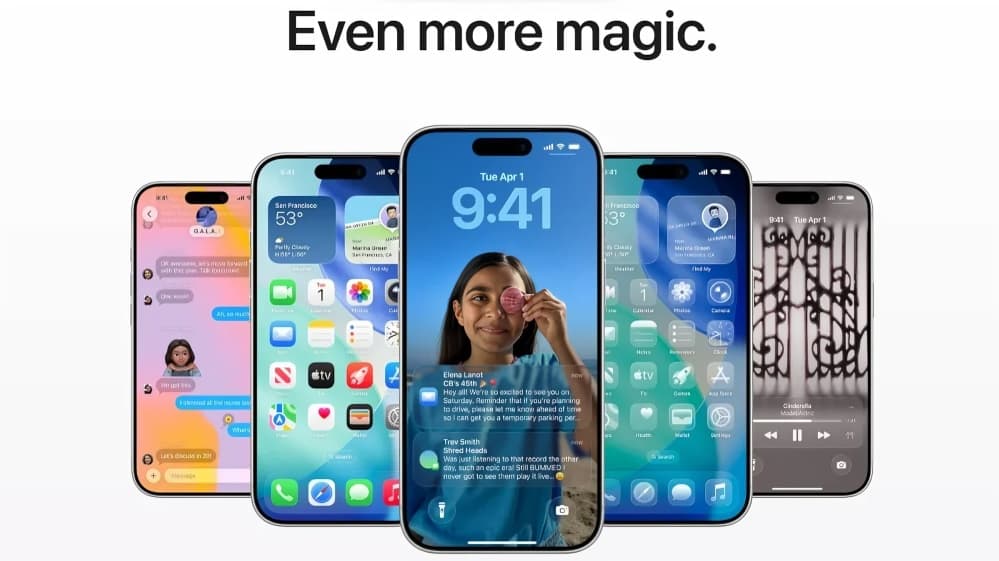
Apple has rolled out the first developer beta of iOS 26.4, providing early access to new features and refinements for compatible iPhone models. The update is currently available to registered developers through the Apple Developer Program, while a public beta version is expected to follow soon. The stable release is anticipated later this spring.
The iOS 26.4 beta 1 update introduces a range of new functionalities, subtle interface improvements and important security upgrades. One of the key highlights is further enhancement to Stolen Device Protection, aimed at strengthening safeguards for users if their device is lost or stolen. The update also includes initial trials related to RCS messaging encryption, reflecting broader efforts to modernise messaging standards and improve cross platform communication security.
Within the Music app, Apple has added a new feature called Concerts Near You. This section recommends live events based on a user’s listening history and preferences. For example, users who frequently stream specific genres or artists may see event suggestions aligned with their tastes. The Music app also receives visual enhancements, with album and playlist pages now offering more immersive full screen artwork for a richer browsing experience.
In addition to Music, minor refinements have been observed across system menus and interface elements. These changes aim to improve usability and maintain visual consistency throughout the operating system. Performance optimisations and bug fixes are also part of the beta release, though Apple has not disclosed detailed technical notes for all improvements.
Compatible iPhones for iOS 26.4 typically include models that already support iOS 26. This generally covers recent generations such as iPhone 15 series, iPhone 14 series, iPhone 13 series and select earlier supported devices. Users can verify compatibility by checking the Software Update section within device settings.
To download the developer beta, users must have a registered developer account linked to their Apple ID. After enrolling in the Apple Developer Program, they can navigate to Settings, select General, tap Software Update and choose the iOS 26 Developer Beta option. It is recommended to back up data before installing any beta version, as pre release software may contain bugs or stability issues.
Apple typically uses beta cycles to gather feedback from developers and testers before releasing a stable version to the public. Features available in early betas may change or be refined in subsequent updates.
As with all beta software, installation is advised primarily on secondary devices rather than primary phones used for daily communication. Users interested in early access should carefully review potential risks before proceeding.