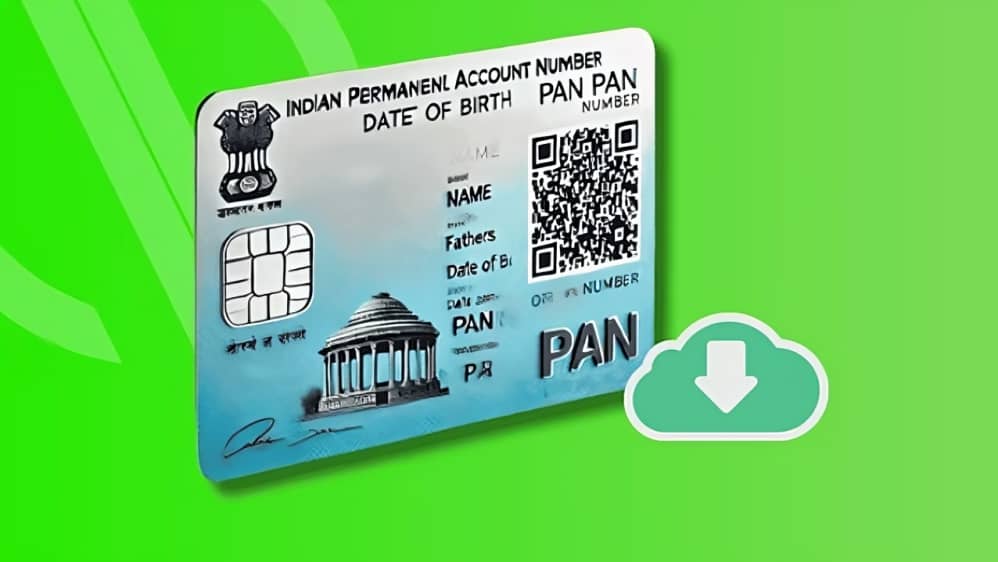
A PAN (Permanent Account Number) card is a critical government-issued document in India, serving as a unique 10-digit alphanumeric identifier for individuals, business entities, non-resident Indians (NRIs), and other organizations. It is issued by the Income Tax Department to track financial transactions, prevent tax evasion, and link all tax-related activities under a single identity.
Traditionally, PAN cards are issued in physical form, but with increasing digitization, the e-PAN has emerged as a convenient and fully valid alternative. The e-PAN is an electronic version of the physical PAN card and holds the same legal validity for all purposes, including filing income tax returns, opening bank accounts, and verifying financial transactions.
Who Can Apply for an E-PAN?
Anyone eligible for a physical PAN card can also apply for an e-PAN. This includes individuals, companies, partnerships, trusts, NRIs, and other organizations. The e-PAN is particularly useful for those who often forget to carry physical documents, as it can be accessed anytime on a smartphone or computer.
Steps to Download E-PAN Online
- Visit the Official Portal:
Go to the Income Tax Department’s e-PAN portal at https://www.incometax.gov.in. - Login or Authenticate:
Use your Aadhaar number or PAN (if already issued) to log in. You may need to complete Aadhaar-based verification via OTP sent to your registered mobile number. - Select E-PAN Download Option:
Click on the option to download e-PAN. If your PAN has already been issued, you can directly download the e-PAN using Aadhaar authentication. - Verify Details:
Ensure your personal details, including name, date of birth, and Aadhaar number, match with the records. Any discrepancies may prevent successful download. - Download and Save:
Once verification is complete, the e-PAN will be available in PDF format. You can download and save it on your device. The PDF is password-protected for security; your date of birth (DDMMYYYY format) acts as the password.
Advantages of E-PAN
- Instant Access: Unlike the physical PAN, which may take days to arrive by post, the e-PAN can be downloaded instantly after verification.
- Fully Legal: E-PAN holds the same legal validity as the physical card for all financial and government-related purposes.
- Convenience: You can carry it digitally on your phone or email it whenever required.
- Environment Friendly: It reduces paper usage, aligning with digital India initiatives.
Conclusion
The e-PAN provides a secure, convenient, and legally valid alternative to physical PAN cards. Whether for filing taxes, opening bank accounts, or completing financial transactions, having an e-PAN ensures you have instant access to your official PAN information anytime. By following the official steps outlined above, you can easily download your e-PAN from the Income Tax Department portal and keep it ready for all legal and financial purposes.