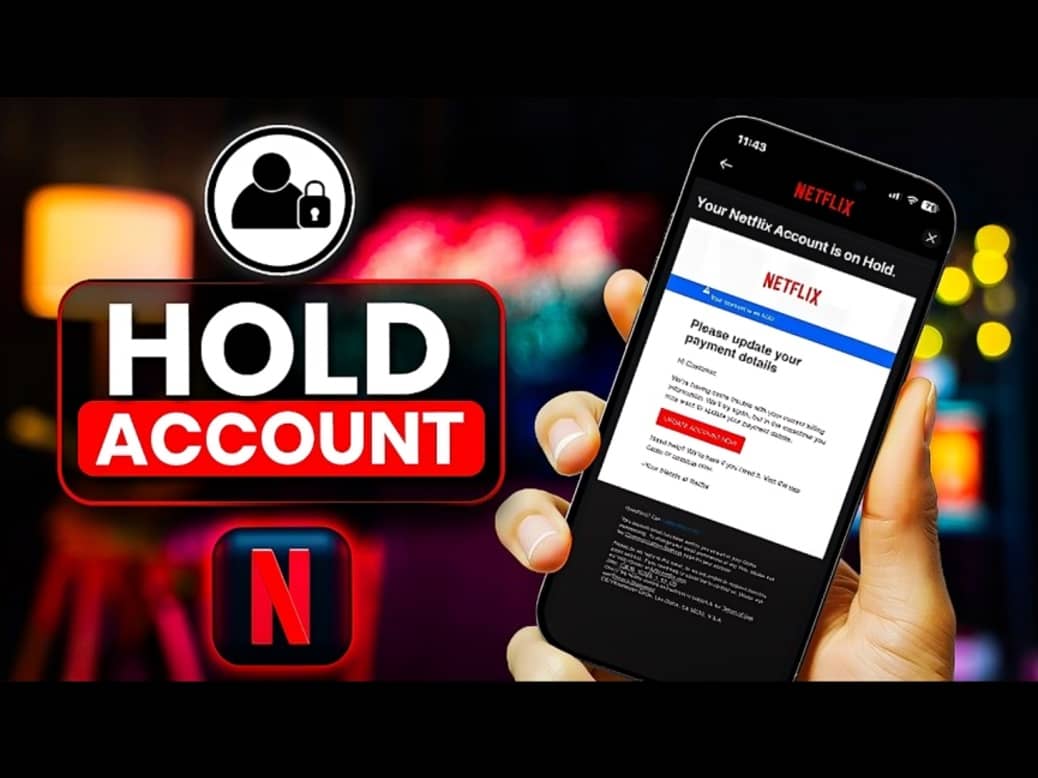
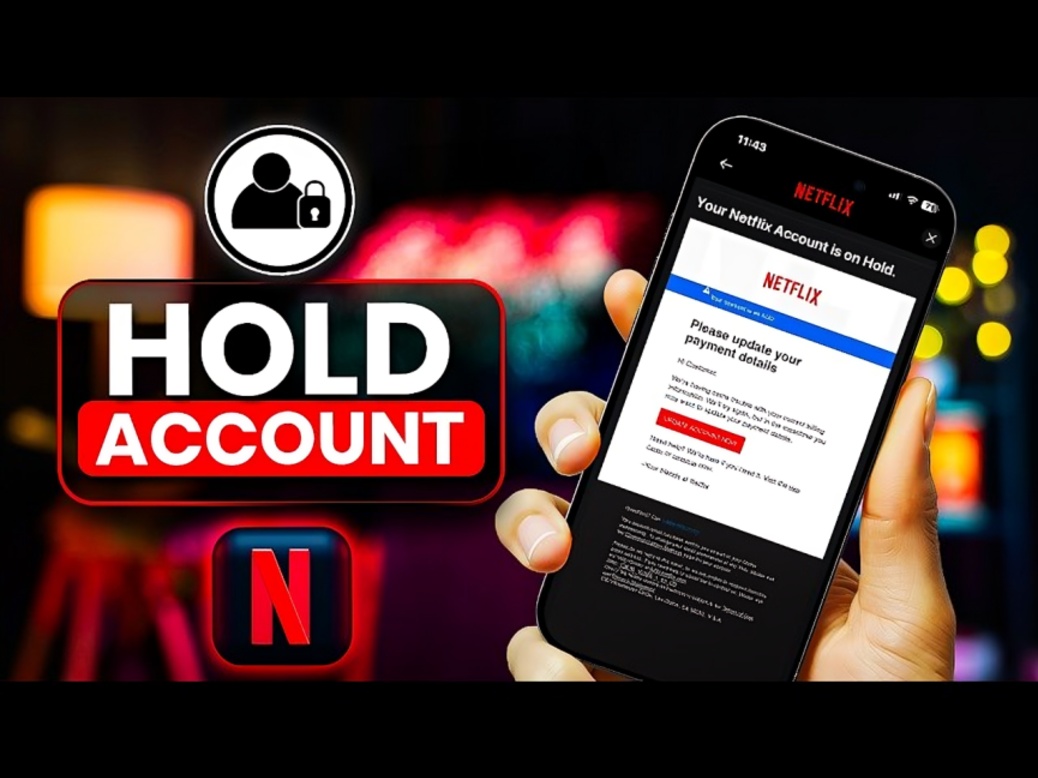
Netflix users who see the message Your account is on hold because of a problem with your last payment may be unable to continue watching content until the payment issue is resolved. According to the Netflix Help Center, the message is displayed when Netflix is unable to process the most recent payment for the account. The issue can appear with error code E101 and is generally related to the payment method or the approval of the transaction by the user's financial institution.
The account on hold message does not necessarily mean that there is a problem with the Netflix application, television, smartphone or internet connection. In most cases, the issue is connected to the subscription payment. Netflix advises affected users to check their payment information and update or change the payment method if necessary.
There are several reasons why the latest Netflix payment may not have been completed. One common reason is that the payment method does not have enough available funds to cover the subscription charge. Netflix notes that pending charges or authorisations can also affect the available balance on a card. Therefore, a user may have money in the account but still have insufficient available balance for the Netflix transaction.
Another possible reason is that the card or other payment method has expired or is no longer valid. This can happen when a bank issues a replacement card or when the existing card reaches its expiry date. If the old card details remain saved on Netflix, the service may not be able to complete the recurring subscription payment.
The monthly charge may also be rejected by the user's bank or financial institution. Banks and card issuers can decline transactions for several reasons, including account restrictions, security checks or limitations related to recurring payments and online transactions. Netflix recommends contacting the financial institution if the payment continues to fail after the payment information has been updated.
A mismatch between the payment information entered on Netflix and the information held by the financial institution can also cause the transaction to fail. Users should therefore check that their payment details are entered correctly and that the saved information is current.
For users who receive error code E101, Netflix provides a straightforward way to address the issue. The first step is to open the Manage Payment Method section of the Netflix account. Users may need to sign in before they can access their payment information.
After opening the payment management page, users can select the Update option next to their existing payment method if they want to correct or change the saved details. Netflix also provides an option to change the payment method and add a different way to pay.
Users should carefully check the payment details before submitting the updated information. They should also make sure that the card or account is valid and has sufficient available funds. If the card has recently been replaced by the bank, the new card information may need to be entered into the Netflix account.
Netflix's payment management instructions also state that payment methods are generally managed through a web browser rather than directly inside the Netflix application. Users can access the relevant payment information page through their Netflix account and make the required changes there.
Once the payment method has been successfully updated, users may still see the account on hold message temporarily. Netflix recommends trying the Back or Refresh option on the device if the same message continues to appear after the payment details have been updated.
If the user cannot update the existing payment method or add another payment option, Netflix recommends contacting the financial institution. The bank or card issuer can check whether there are sufficient funds, whether the card remains valid and whether it supports recurring billing and online transactions.
Users can also ask their bank whether the Netflix transaction was declined for security reasons. They can check whether the financial institution received an attempted charge from Netflix and ask why the transaction was rejected. These checks can help determine whether the issue is with the payment method or the bank's transaction approval process.
Another important point is that Netflix does not necessarily stop trying immediately after a payment fails. The company says it will automatically retry failed payments periodically during the billing cycle. This means a failed payment may be attempted again without the user manually repeating the process. However, users who want to restore access quickly should update the payment information or resolve the issue with their financial institution.
Netflix also provides specific guidance for certain device related versions of the payment error. For example, Android users may encounter error code NQM.407 along with a message asking them to update their payment information. Netflix says this error also indicates that the service could not receive the required payment and recommends updating the payment method or contacting the card issuer.
Similarly, Apple TV users can encounter error code 3-5005 with the same account on hold payment message. Netflix's guidance for that error is also focused on updating the payment method, checking the card information and contacting the financial institution if necessary.
Users should also be careful when searching for solutions to payment problems online. Since the issue involves financial information, payment details should only be entered through the official Netflix website or an authorised payment interface. Users should avoid sharing card numbers, security codes, passwords or other sensitive financial information with third parties claiming to provide Netflix support.
If the payment information is correct and the bank confirms that there is no restriction on the transaction, users can try the payment again. Netflix says that if payment still cannot be completed after contacting the financial institution, users should consider using another available payment option.
The problem can therefore usually be addressed by checking the payment method, ensuring sufficient available funds, confirming that the card or payment option is valid and verifying that the information saved on Netflix matches the financial institution's records.
The Netflix account on hold message is primarily a payment related notification. Users receiving error code E101 should first check the subscription payment details instead of assuming that the streaming service itself is experiencing a technical outage. Updating the payment method or resolving a declined transaction with the bank can restore the account once the outstanding payment is successfully processed.
In summary, the Netflix account on hold message appears when the latest subscription payment cannot be processed. Common reasons include insufficient available funds, an expired or invalid payment method, a declined transaction or a mismatch between Netflix payment information and the details held by the financial institution. Users can update their payment method through the Netflix account, try another payment option or contact their bank or card issuer. Netflix also says it periodically retries failed payments during the billing cycle.