Apple has officially launched Apple Pay in India, bringing its contactless digital payment service to one of the world's largest digital payments markets. The service became available in India on September 30, 2026, following months of discussions between Apple, banks and payment networks.
The initial launch is being carried out in partnership with Axis Bank, Visa and Mastercard. At launch, eligible Axis Bank credit card customers using supported Apple devices can add their cards to Apple Wallet and use Apple Pay for contactless transactions at participating merchants. RuPay cards are not eligible for Apple Pay at the initial launch.
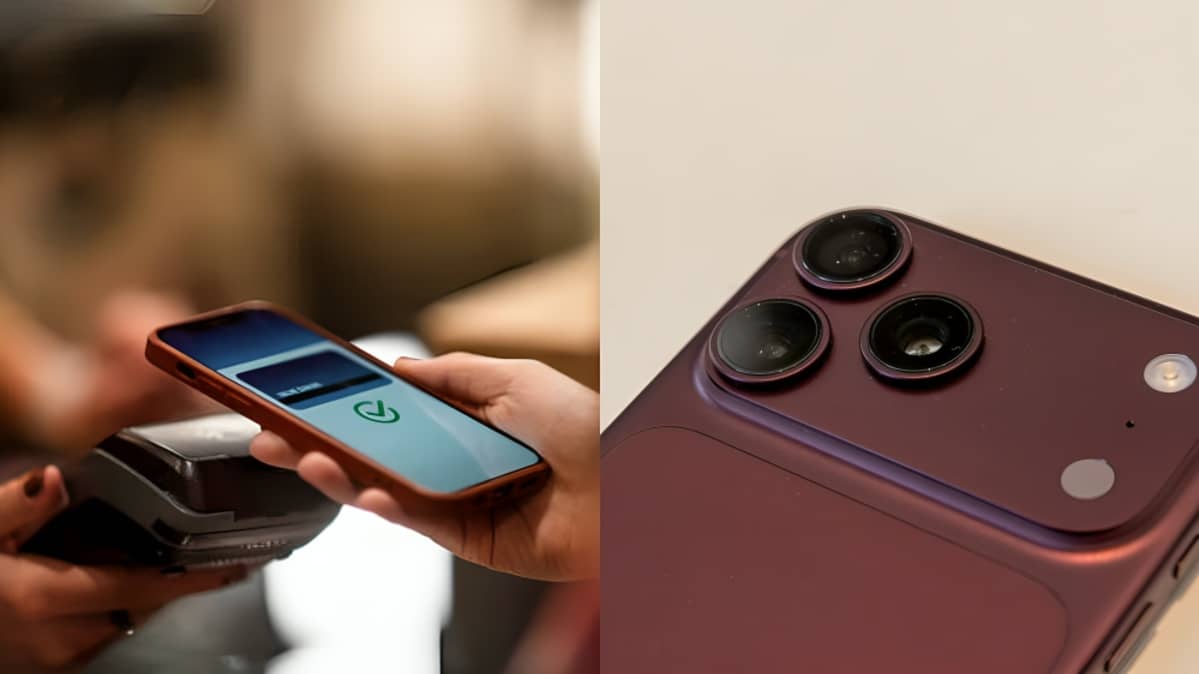
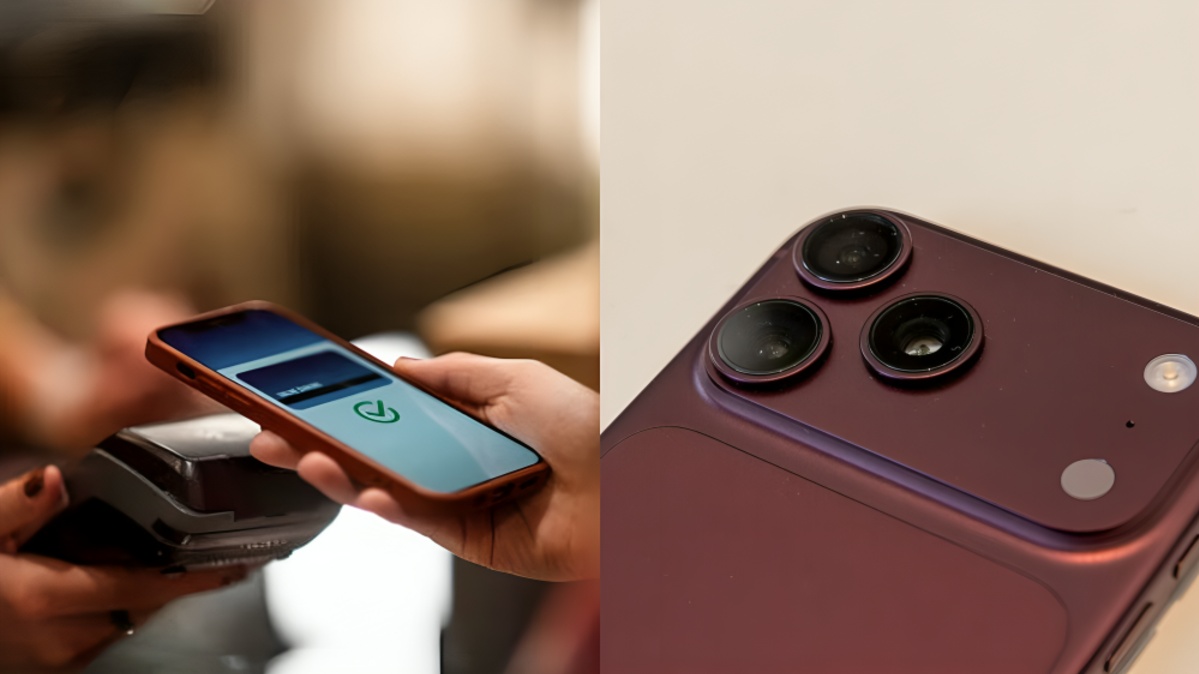
Apple Pay allows users to make payments without physically handing over their bank card. Instead, an eligible card is added to Apple Wallet and securely represented on the device using tokenised payment information. Users can then authenticate a transaction using Face ID, Touch ID or their device passcode.
The launch gives Apple a new presence in India's digital payments market, where the Unified Payments Interface has become the dominant payment system. Reuters reported that UPI accounted for around 84 percent of India's digital payment volumes, making the country's payment ecosystem different from many of the markets where Apple Pay has already established itself.
One important point for Indian users is that Apple Pay's initial launch is focused on card payments rather than UPI payments. Earlier reports had suggested that Apple could potentially integrate UPI into its payment service, but the service has launched initially with eligible Axis Bank Visa and Mastercard credit cards. Additional banks may be added in the future as Apple expands its partnerships in India.
How to Set Up Apple Pay on iPhone
Before adding a card, users need a compatible iPhone and an eligible Axis Bank credit card. Current launch information indicates that Apple Pay can be used on an iPhone XR or later running iOS 18 or later. Apple Watch Series 6 or later models running watchOS 11 or later can also be used when paired with a compatible iPhone.
To add an eligible card, open the Wallet application on the iPhone and select the option to add a new card. Users can follow the on-screen instructions to enter or verify their card information. Eligible Axis Bank customers can also use the latest version of the Axis Bank mobile application to add their card to Apple Wallet.
Once the bank verification process is completed, the card can be used through Apple Pay at supported locations. The exact verification process may vary depending on the card and bank requirements.
Users should ensure that their iPhone is updated to a supported version of iOS and that the card being added is eligible for Apple Pay. Having an Apple Account and device security features such as Face ID, Touch ID or a passcode is also important for authentication.
How to Pay Using an iPhone
Using Apple Pay at a contactless payment terminal is designed to be relatively simple.
On an iPhone with Face ID, users can double-click the side button. The default payment card will appear on the screen. The user then authenticates the payment with Face ID or the device passcode.
On an iPhone with Touch ID, users can double-click the Home button and authenticate using Touch ID or the device passcode.
After authentication, the top portion of the iPhone should be held near the contactless payment reader. Once the transaction is successfully processed, the device displays a confirmation. Apple Support says the merchant must support Apple Pay as well as the particular card and payment network being used.
Users can also choose another card from their available cards before completing the transaction. This can be useful for customers who eventually have multiple eligible payment cards stored in Apple Wallet.
Apple Pay for Apps and Websites
Apple Pay is not limited to physical stores. It can also be used for purchases inside supported applications and on participating websites.
When an Apple Pay button appears during checkout, users can select it, review the payment information and choose their preferred payment card. The transaction can then be authorised using Face ID, Touch ID or the device passcode.
Apple Pay can therefore reduce the need to manually enter card numbers, expiry dates and security information during online transactions.
Apple has also worked with several payment service providers and merchant networks in India to support the rollout. Indian Express reported that participating networks include Cashfree, JusPay, Mswipe, Paytm, PayU, Pine Labs, Razorpay and Worldline, with additional merchants and applications expected to support Apple Pay over time.
Where Can Apple Pay Be Used in India
At launch, Apple Pay is expected to work at supported contactless payment terminals across India. Indian Express reported that participating merchants include Apple Store locations and brands such as Blinkit, Croma, Zomato, Tata 1mg, Reliance brands and other participating businesses. Availability can vary depending on the merchant's payment terminal, card network and payment setup.
For online purchases, customers need to look for the Apple Pay option during checkout. The merchant or website must support Apple Pay for the payment option to appear.
Security and Privacy
Security is one of the central features of Apple Pay. Apple says the actual card number is not shared with merchants when a user makes an Apple Pay transaction. Instead, the service uses a device-specific account number and a unique security code for transactions.
Apple says payment card information is protected using the Secure Element, a dedicated security component in supported devices. This approach means that the merchant does not receive the user's actual card number during a normal Apple Pay transaction.
Authentication through Face ID, Touch ID or a device passcode provides another layer of security. Users should nevertheless protect their Apple Account credentials and device passcode and avoid sharing authentication information with others.
Apple Pay and India's Digital Payment Market
Apple Pay is entering an Indian market where UPI is already deeply established. UPI allows customers to make payments through QR codes, bank accounts, phone numbers and supported tap-and-pay services. Reuters reported that UPI represented about 84 percent of India's digital payment volume.
Because Apple Pay's initial Indian rollout is based on card payments, its launch does not directly replace UPI-based payment applications. Instead, it gives eligible Apple device users another way to use supported bank cards for contactless purchases.
Apple has also reportedly been in discussions with other major Indian banks, including HDFC Bank and ICICI Bank. However, those banks had not agreed commercial terms with Apple at the time of the September 30 launch, according to Reuters. This means the number of supported cards could expand if additional partnerships are completed.
The launch follows several regulatory and payment-related developments in India. The Reserve Bank of India previously introduced requirements around card tokenisation and recurring payments, while changes to card authentication helped create conditions for international payment services to operate with Indian bank cards.
For Apple, India represents an important market not only for iPhone sales but also for services and financial technology. Reuters reported that Apple's share of India's smartphone market had doubled to around 8 percent since 2022, according to Counterpoint Research.
Apple Pay's arrival therefore represents an expansion of Apple's ecosystem in India. The initial service is limited to eligible Axis Bank Visa and Mastercard credit cards, but Apple is expected to continue discussions with other banks and payment partners.
For customers, the main requirement is to have a compatible Apple device and an eligible card. Once the card has been verified and added to Apple Wallet, users can make supported in-store, in-app and online payments without repeatedly entering their physical card details.
As more banks and merchants potentially join the service, the availability of Apple Pay in India could expand. For now, however, customers should check whether their specific Axis Bank card, device and merchant are supported before attempting a transaction.